
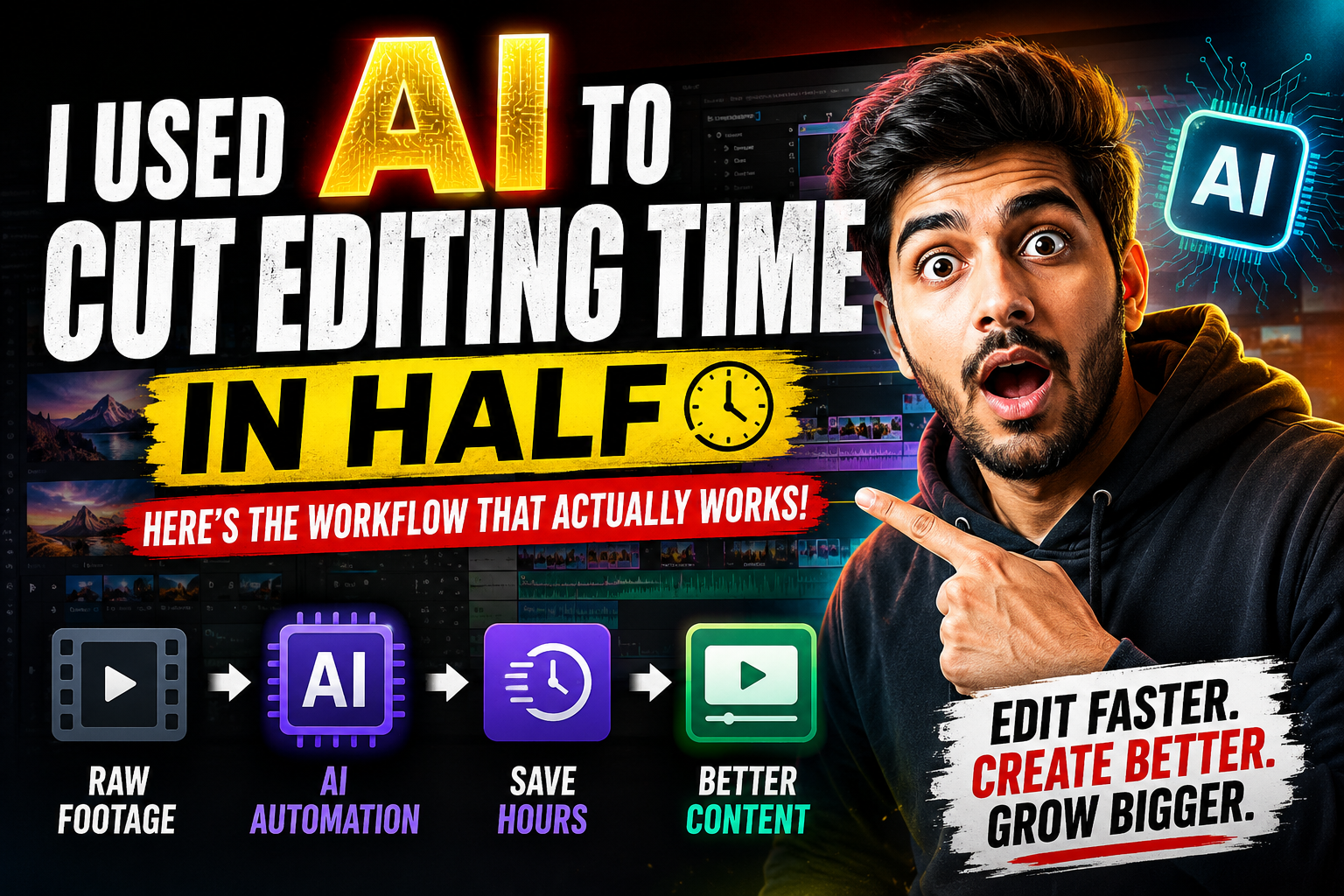
I Used AI to Cut My Video Editing Time in Half — Here’s the Workflow That Actually Works
AI is changing video editing faster than any new camera or editing software ever did. After working on hundreds of YouTube videos, I’ve learned that AI isn’t here to replace editors—it’s here to eliminate repetitive work so you can spend more time being creative.
Here are the AI workflows that consistently save me hours on every project.
1. AI Script Analysis Before Editing
Before importing footage into the timeline, I run the script through AI to identify:
Key hook moments
Emotional peaks
B-roll opportunities
Text animation cues
Retention-critical sections
Instead of searching through hours of footage blindly, I already know what the final structure should look like.
2. AI Finds the Best Moments Automatically
Modern AI tools can detect:
Pauses and filler words
Silence
Repeated sentences
Bad takes
Camera mistakes
This reduces rough-cut editing from hours to minutes.
The result is a cleaner timeline before I even begin creative editing.
3. AI Generates Better Titles and Thumbnails
Great editing won’t matter if nobody clicks.
I use AI to generate:
High-CTR YouTube titles
Thumbnail text
Hook variations
SEO-friendly descriptions
Relevant hashtags
Instead of guessing, I test multiple ideas and choose the strongest one.
4. AI Writes Captions in Seconds
Captions increase watch time because many viewers watch without sound.
AI creates:
Accurate subtitles
Animated captions
Multiple language translations
Keyword-rich transcripts
This improves accessibility and helps videos reach a global audience.
5. AI Suggests Better B-Roll
Whenever the script mentions:
Business
Technology
Money
Fitness
Travel
Marketing
AI recommends matching B-roll ideas instantly.
Instead of wondering what visuals to use, I always have creative inspiration.
6. AI Improves Audio Automatically
Professional audio makes videos feel premium.
AI can:
Remove background noise
Reduce echo
Enhance voice clarity
Normalize loudness
Remove filler sounds
Good audio often matters more than expensive cameras.
7. AI Creates Short-Form Content from Long Videos
One 20-minute YouTube video can become:
10 Shorts
8 Instagram Reels
6 TikToks
LinkedIn clips
X video posts
AI identifies the strongest moments automatically, maximizing content without re-editing everything manually.
8. AI Helps Improve Viewer Retention
Instead of relying on guesswork, AI analyzes:
Slow sections
Weak hooks
Long pauses
Low-energy moments
Repetitive scenes
It highlights where viewers are most likely to leave, allowing editors to tighten pacing before publishing.
9. AI Speeds Up SEO Optimization
Publishing is more than uploading a video.
AI helps generate:
Keyword-rich descriptions
Search-optimized titles
Relevant tags
Chapter timestamps
FAQ sections
Video summaries
Better SEO means more opportunities to rank in YouTube Search and Google.
10. AI Gives Editors More Time to Be Creative
The biggest advantage isn’t automation—it’s focus.
Instead of spending hours on repetitive tasks, editors can invest their time in:
Better storytelling
Stronger pacing
Creative transitions
Cinematic color grading
Motion graphics
Emotional impact
That’s where real value is created.
The Result
Editors who combine AI with strong storytelling consistently produce videos faster while maintaining higher quality. The goal isn’t to let AI replace your creativity—it’s to remove repetitive work so you can focus on editing that keeps viewers watching.
SEO Keywords: AI video editing, YouTube editing tips, AI for video editors, YouTube SEO, video editing workflow, AI editing tools, DaVinci Resolve, Adobe Premiere Pro, After Effects, content creation, video production, YouTube growth, AI productivity, creator workflow.