One of the most common things I hear from new clients is: “I just need a video editor.” But what they actually need is both a video editor and a motion graphics artist — and they’re very different skill sets.
Let me break it down.
Video Editing: The Architecture
Video editing is the structure. It’s the art of:
- Selecting the best takes
- Pacing the story through cuts
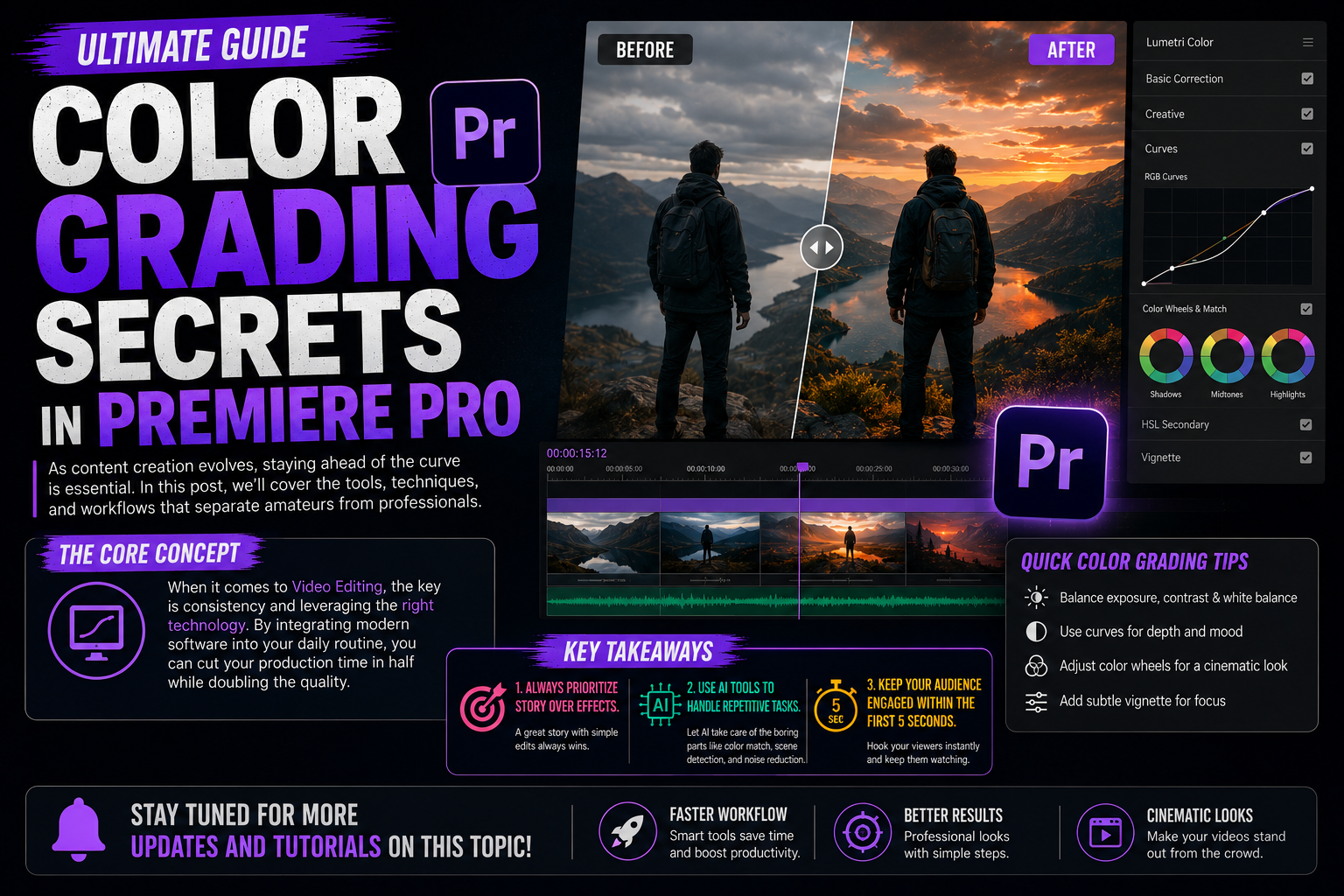
- Color grading for mood
- Mixing audio
- Managing transitions
Think of the video editor as the architect of your content. They decide what goes where and why.
Primary tools: Premiere Pro, DaVinci Resolve, Final Cut Pro
Motion Graphics: The Decoration
Motion graphics is the visual language layered on top. It includes:
- Animated titles and lower thirds
- Logo animations
- Kinetic typography
- Infographics that move
- Transitions that brand
A motion graphics artist takes still design elements and gives them life through animation, timing, and physics.
Primary tools: After Effects, Motion, Blender
Why You Need Both
Here’s the truth: a video without motion graphics looks like raw footage. Motion graphics without video editing looks like a slide deck.
The magic happens at the intersection. When you have:
- A well-paced edit WITH branded lower thirds
- Strong color grading WITH animated call-to-actions
- Punchy cuts WITH kinetic text that emphasizes key points
That’s when content goes from good to unforgettable.
The 80/20 Rule I Apply
For most YouTube and social content, I apply this split:
- 80% video editing — the core story, pacing, audio
- 20% motion graphics — accents, branding, emphasis
For brand videos and commercials, it flips:
- 40% video editing — the foundation
- 60% motion graphics — the spectacle
How to Know What You Need
You primarily need video editing if:
- You’re creating talking-head or vlog content
- Your video is interview or podcast based
- You have lots of footage to organize
You primarily need motion graphics if:
- You’re creating explainer videos
- You need animated logos or intros
- Your content requires visualizing concepts
You need both if:
- You’re building a YouTube channel brand
- You’re creating commercial or brand content
- You want content that stands out from competitors
Ready to level up your content with professional video editing and motion graphics? Let’s talk →