After editing over 500 YouTube videos across niches from tech to travel to finance, I’ve identified the editing patterns that consistently outperform. These aren’t generic advice — these are the exact techniques I use every day.
1. The 3-Second Rule: Hook or Lose
Your first 3 seconds are everything. Viewers decide to stay or leave almost instantly. I always start with the most interesting moment, a bold statement, or an unexpected cut — never a slow logo intro.
Practical tip: Edit your first 30 seconds last. Once you know what’s in the video, you’ll know exactly which clip should open it.
2. Pattern Interrupts Every 90 Seconds
The human brain craves novelty. Every 60–90 seconds, introduce something new:
- Cut to B-roll
- Add a graphic or text overlay
- Change the music energy
- Cut away to a reaction clip
This is why my clients’ average view duration is 68% — well above the platform average of 40%.
3. Sound Design is 50% of the Experience
Most editors underestimate audio. I layer:
- Ambient sound under every cut
- Sound effects on text appearances and transitions
- Music that dynamically shifts with the energy
- Voice enhancement with subtle compression
A video that sounds good feels more professional, even if the visuals are simple.
4. J-cuts and L-cuts for Natural Flow
These cuts make your video feel cinematic and professional. A J-cut starts the audio of the next clip before the video transitions. An L-cut continues the audio of the previous clip over the new video.
Use these constantly. They eliminate that jarring “clip-clip-clip” feel.
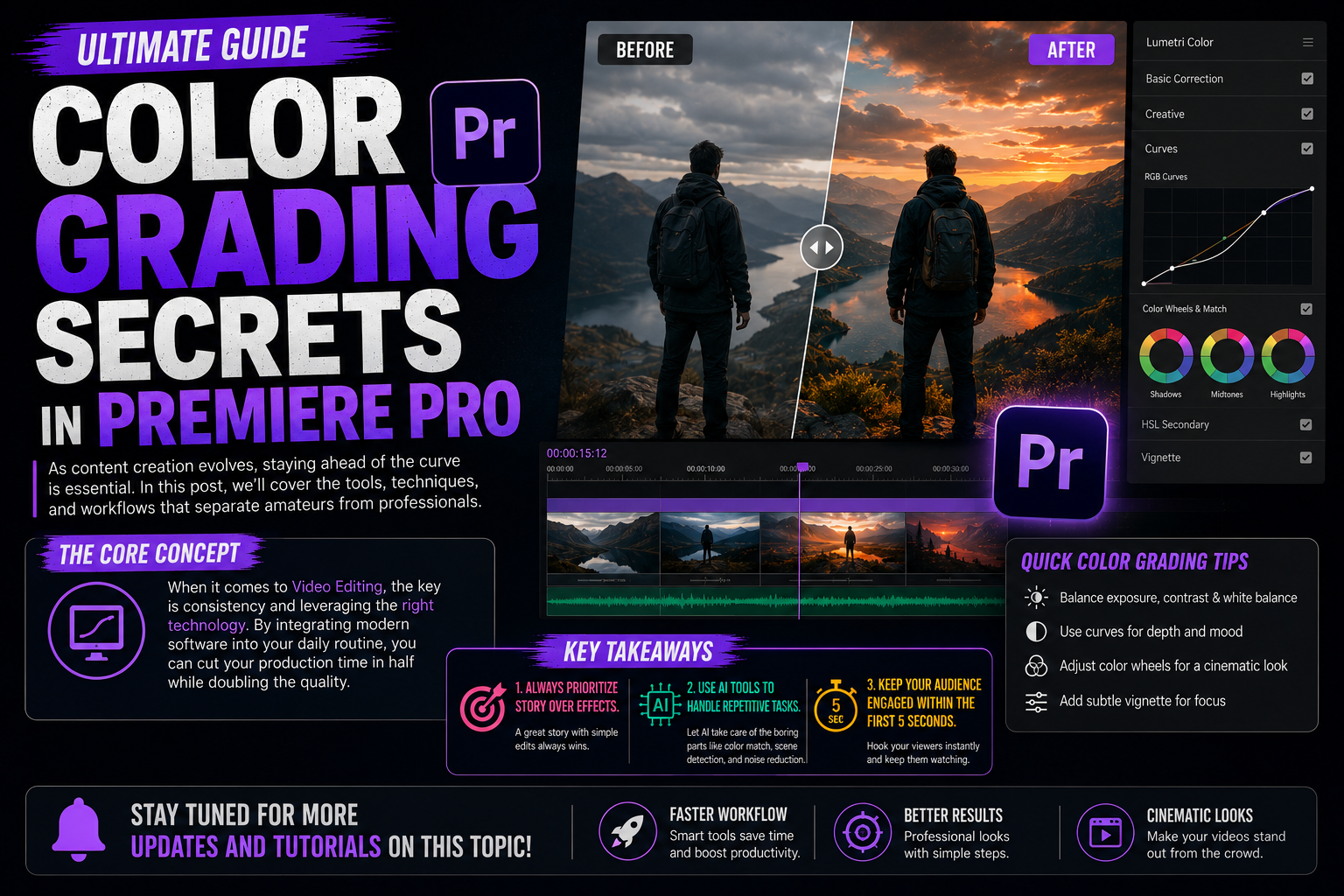
5. Color Grade for Emotion, Not Just Aesthetics
Your color grade sets the emotional tone:
- Warm tones (orange/yellow) = energy, excitement, lifestyle
- Cool tones (teal/blue) = trust, technology, calm
- High contrast = drama, intensity
I use DaVinci Resolve for primary grading and bring the export into Premiere for final touches. One LUT applied consistently across all clips builds a professional brand identity.
6. Kinetic Typography for Key Points
When your creator says something important, show it as animated text. This:
- Reinforces the message
- Works for viewers watching without sound
- Creates “screenshot-able” moments that get shared
I use After Effects expressions to sync text animations to the music beat.
7. Cut on Action, Not Before or After
Always cut in the middle of a movement — not when things are still. A cut on someone standing up feels more natural when you cut mid-rise. This is basic film grammar, but most YouTube editors ignore it.
8. Use Music as Your Editor
Let the music dictate your pacing. Cut on beats. Build during the chorus. Pull back during transitions. When the music swells, cut to your best visual. When it drops, let a clip breathe.
The best edits feel like the visuals are dancing with the audio.
9. Strategic Chapter Markers and Cards
YouTube’s algorithm loves chapters. Well-named chapters:
- Appear in search results as jump links
- Reduce abandonment because viewers know what’s coming
- Help you rank for multiple keywords
I add chapters at every major section change and make sure each one has a compelling title.
10. The Final Frame Hook
The last 20% of your video should plant seeds for the next one. Reference an unanswered question. Tease something exciting. End with energy, not a fade to black.
“The next video is where it gets really interesting…” — I end at least 60% of videos with this structure.
The Result
Clients who implement all 10 of these tips typically see a 20–40% improvement in average view duration within 60 days. Watch time is the single most important metric YouTube uses to recommend your content.
Want me to audit your channel’s editing? Get in touch →